Inventory Under Control, Better Decisions
All product data and stock movements recorded neatly in one system — from stock cards, COGS history, and adjustments to inter-branch transfers.

Product Data
Your product list becomes more organized and easier to control when you need it for business analysis. Information such as code, name, description, price, stock, images, serial numbers, and category is neatly arranged. Product data can be added or corrected quickly when something doesn't match, and stock changes can be controlled from anywhere, anytime — so decisions on stock, sales, and purchasing are more accurate.
Stock Card
A stock card is a detailed record of the movement of each inventory item. Every item entering the warehouse is recorded — the receipt date, quantity, and source (from a supplier or from production). By monitoring stock movement, you can set the right reorder point for each item and order new goods before stock runs out.
COGS History
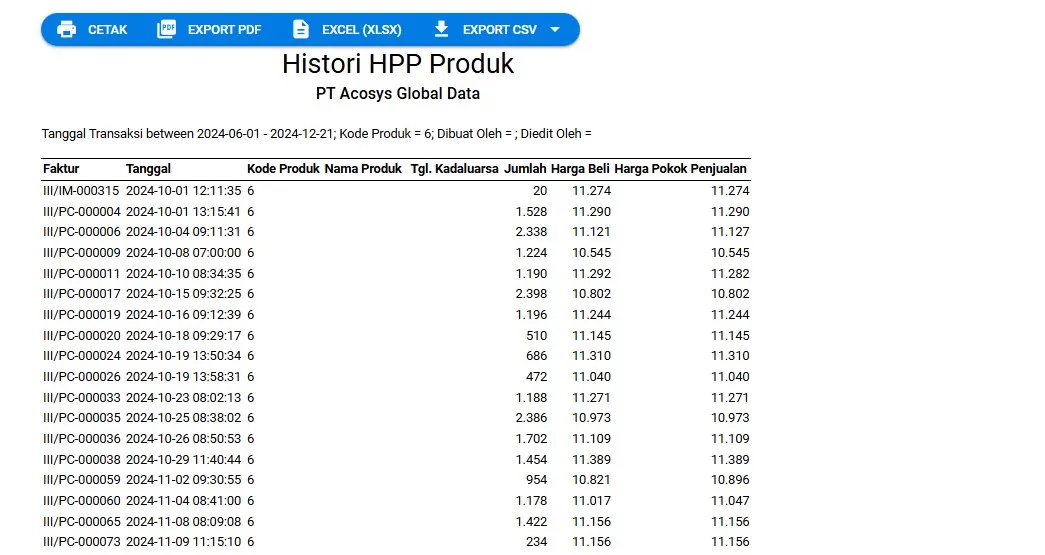
Cost of Goods Sold (COGS) history presents COGS data over time — monthly, quarterly, or yearly. Analyzing COGS history helps identify seasonal trends in production costs; for example, certain raw materials whose prices tend to rise in certain seasons, so you can buy earlier while prices are still low or adjust your production and sales strategy.
Inventory Adjustment
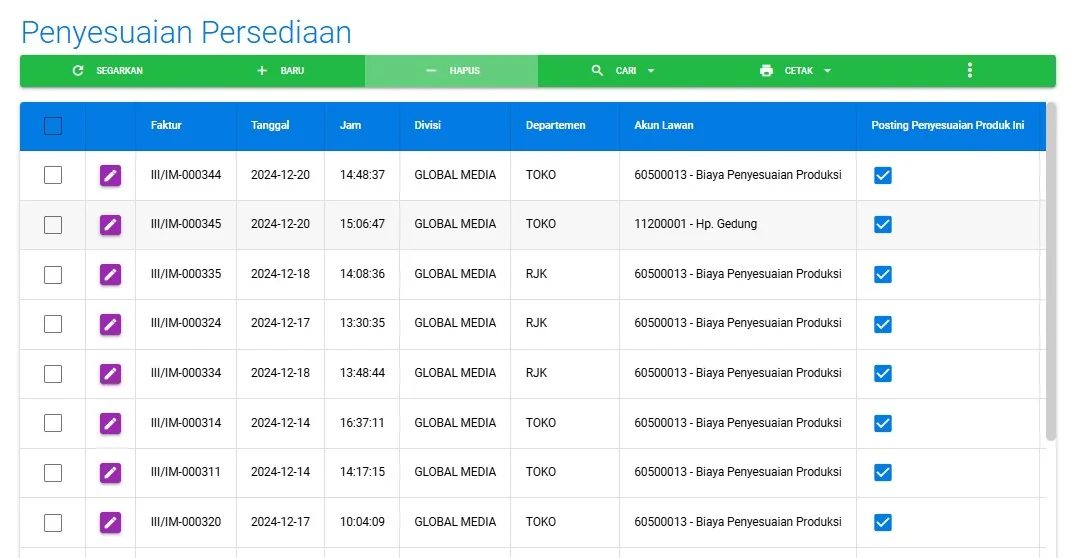
Inventory adjustment aligns system records with actual physical conditions. It is done periodically — usually at the end of an accounting period — by comparing system data against the physical count (stock opname). This process is crucial to ensure accurate inventory data, correct COGS calculation, and accurate financial statements.
Inter-Branch Stock Transfer
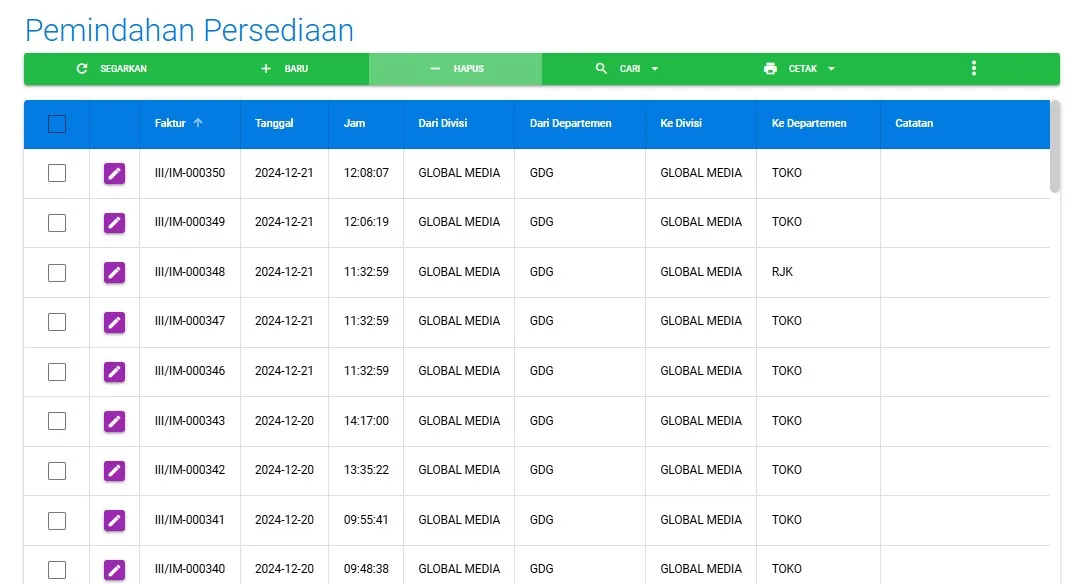
Stock transfers between branches move goods between storage locations within one company — important for optimizing distribution, meeting demand across branches, and reducing the risk of dead stock. Transfers are recorded automatically on both sides: a stock decrease at the sending branch and an increase at the receiving branch.
Get Your Stock in Order Starting Today
The fastest way to understand Acosys is to try it yourself — free, with no installation needed.